 AutomateDock
Motion Videos With Claude: The Complete Beginner's Guide
Describe a video in plain words and get a finished animated MP4, with no editing software and no coding
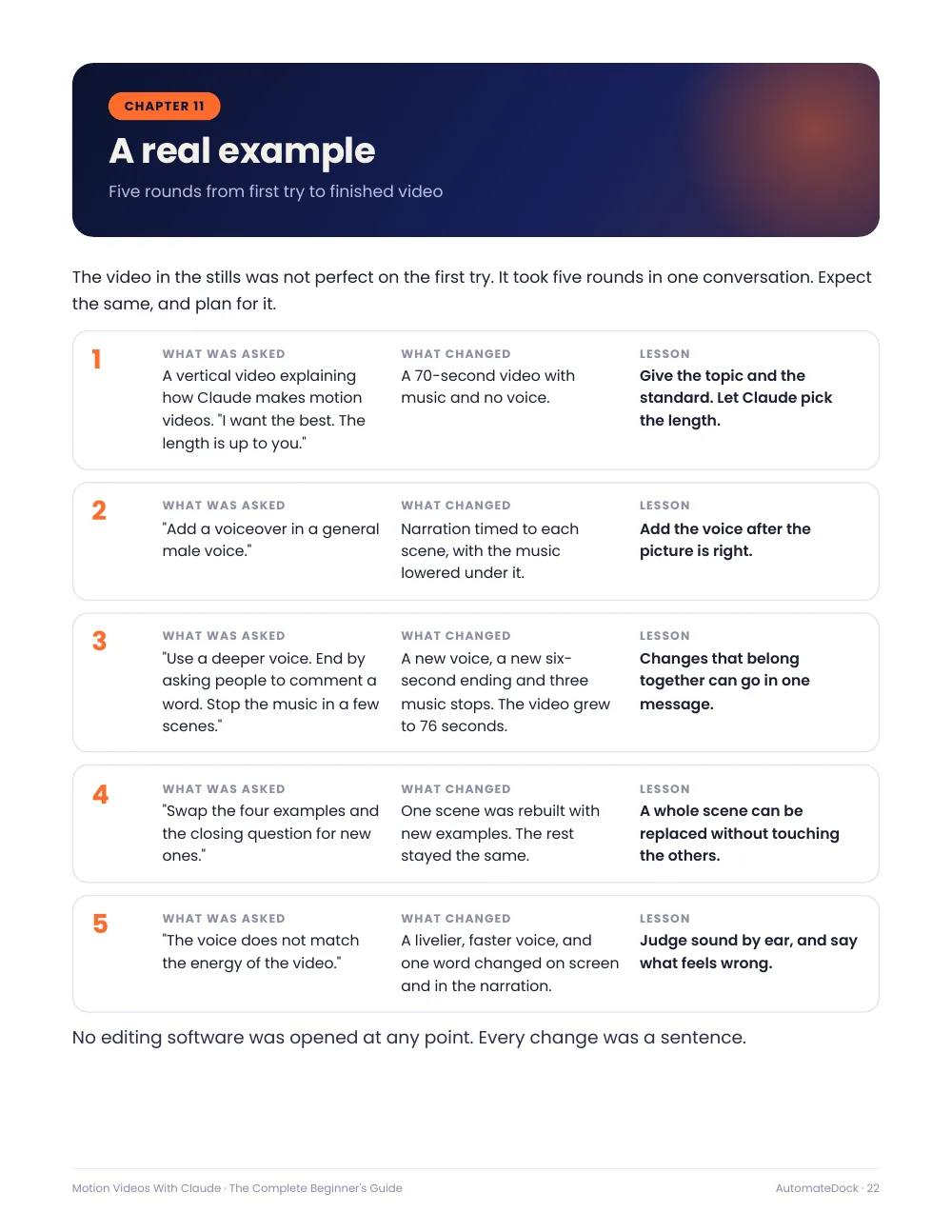
Make polished animated explainer videos by describing them to Claude. Claude writes the animation as code, draws every frame and hands you an MP4 you can post. This guide gives you the exact starter prompt, ten ready-made video ideas, six colour looks to copy, the plain words that steer the motion, and fixes for the common problems. It includes a real example: the five rounds of requests behind a finished 76-second video.
What you'll learn
- The copy-paste starter prompt that returns a finished MP4
- Ten ready-made video ideas, from explainers to announcements
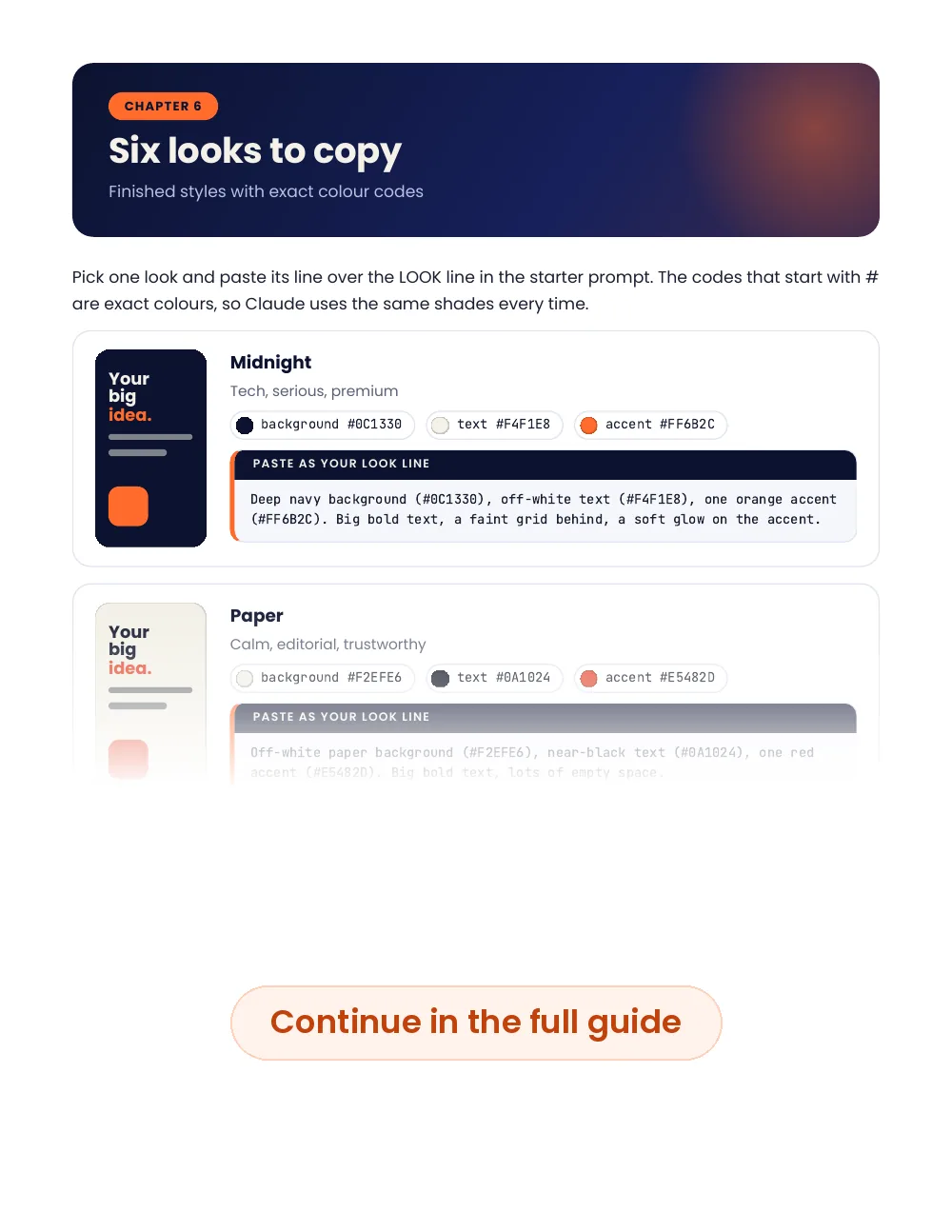
- Six looks with exact colour codes, and the words that direct motion
- How to add sound, a voiceover and an ending that gets comments
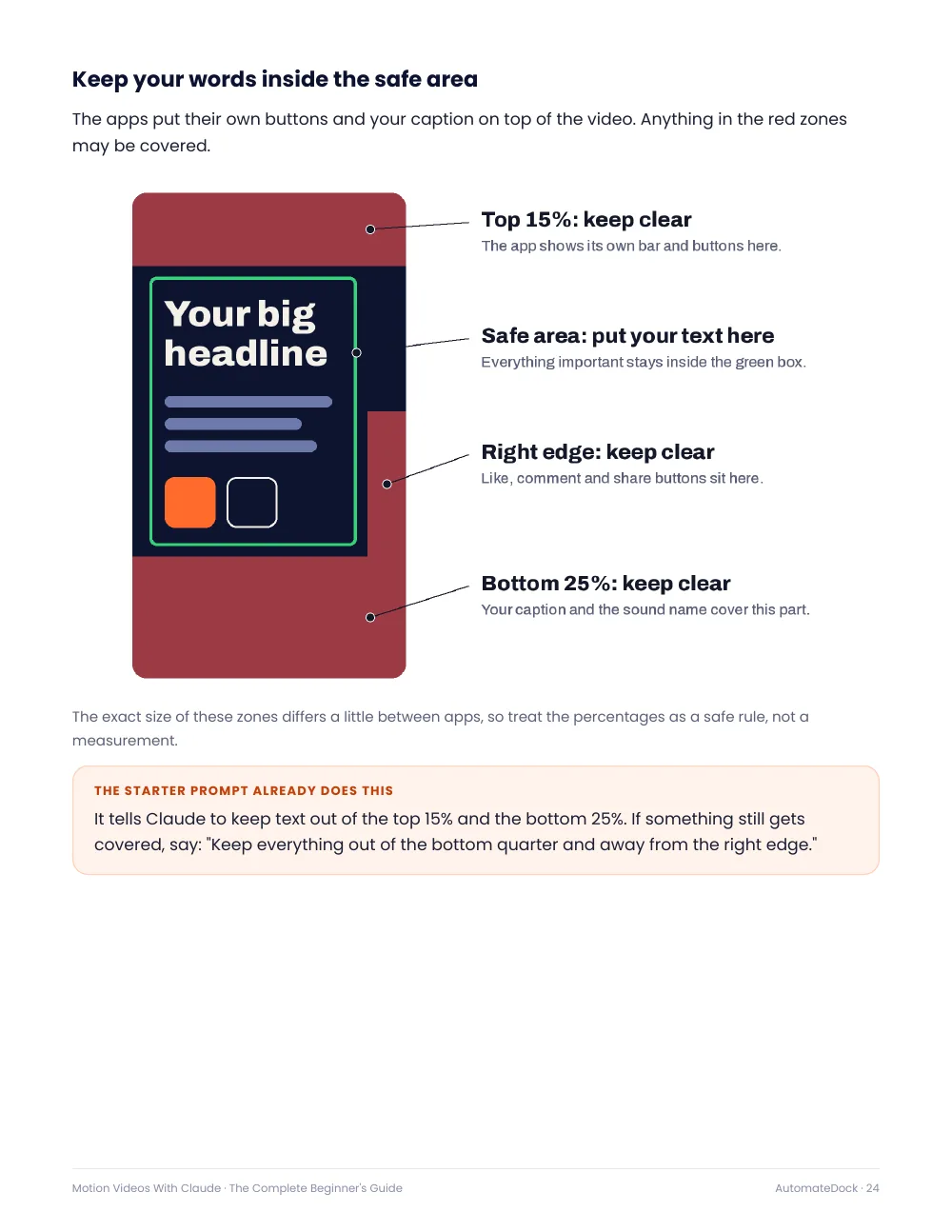
- Safe zones for Reels, TikTok and Shorts, plus fixes for the common problems
Look inside
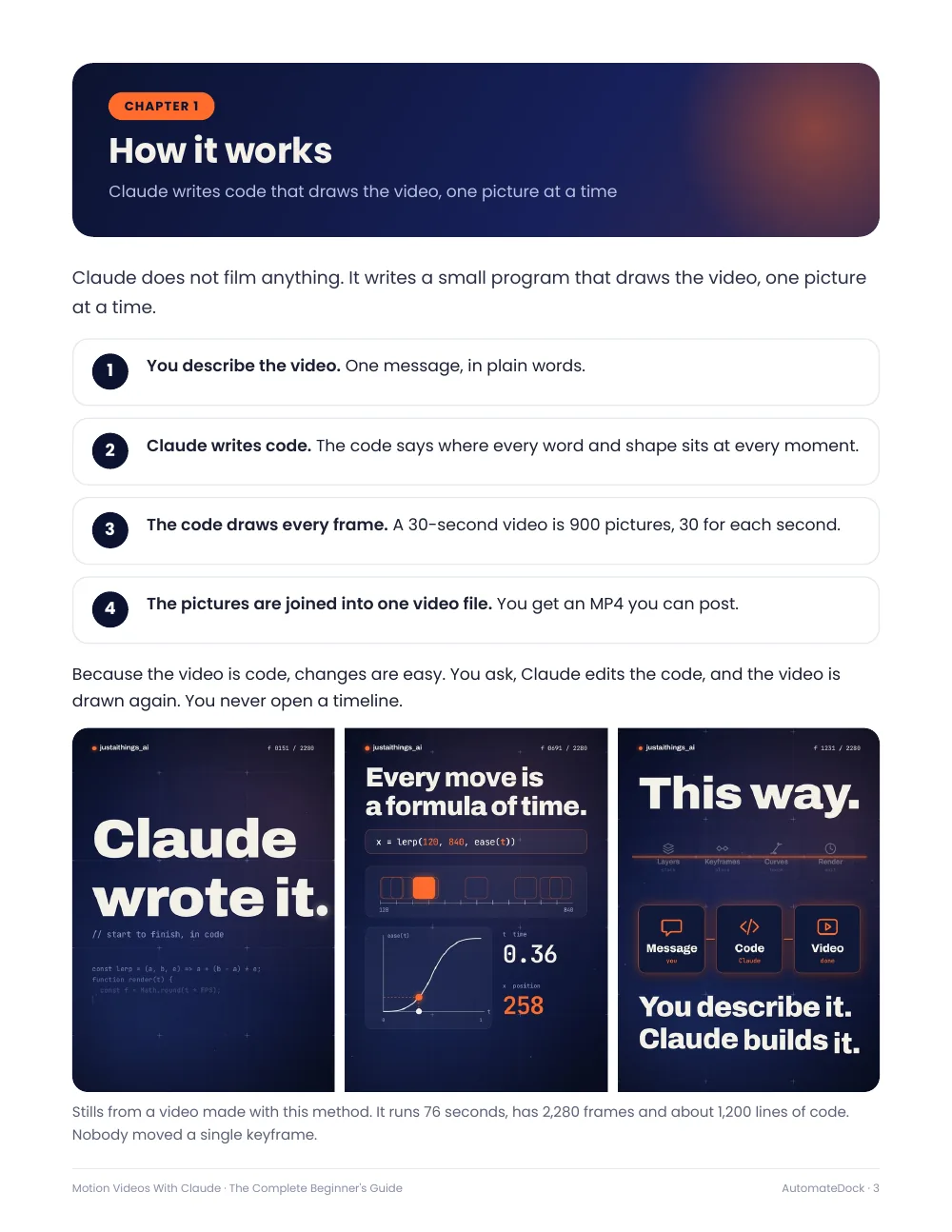
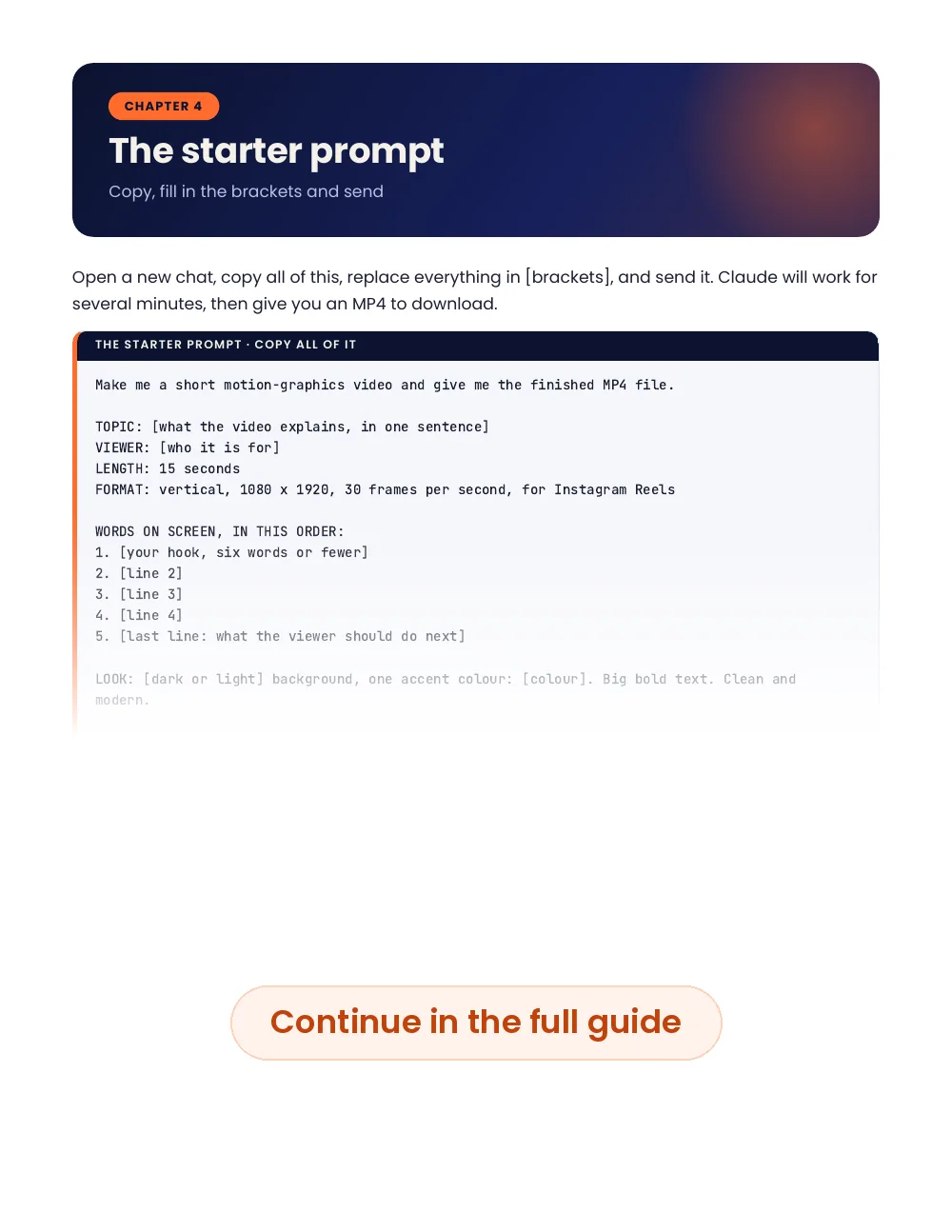
A preview of real pages from the guide. Click a page to enlarge it.
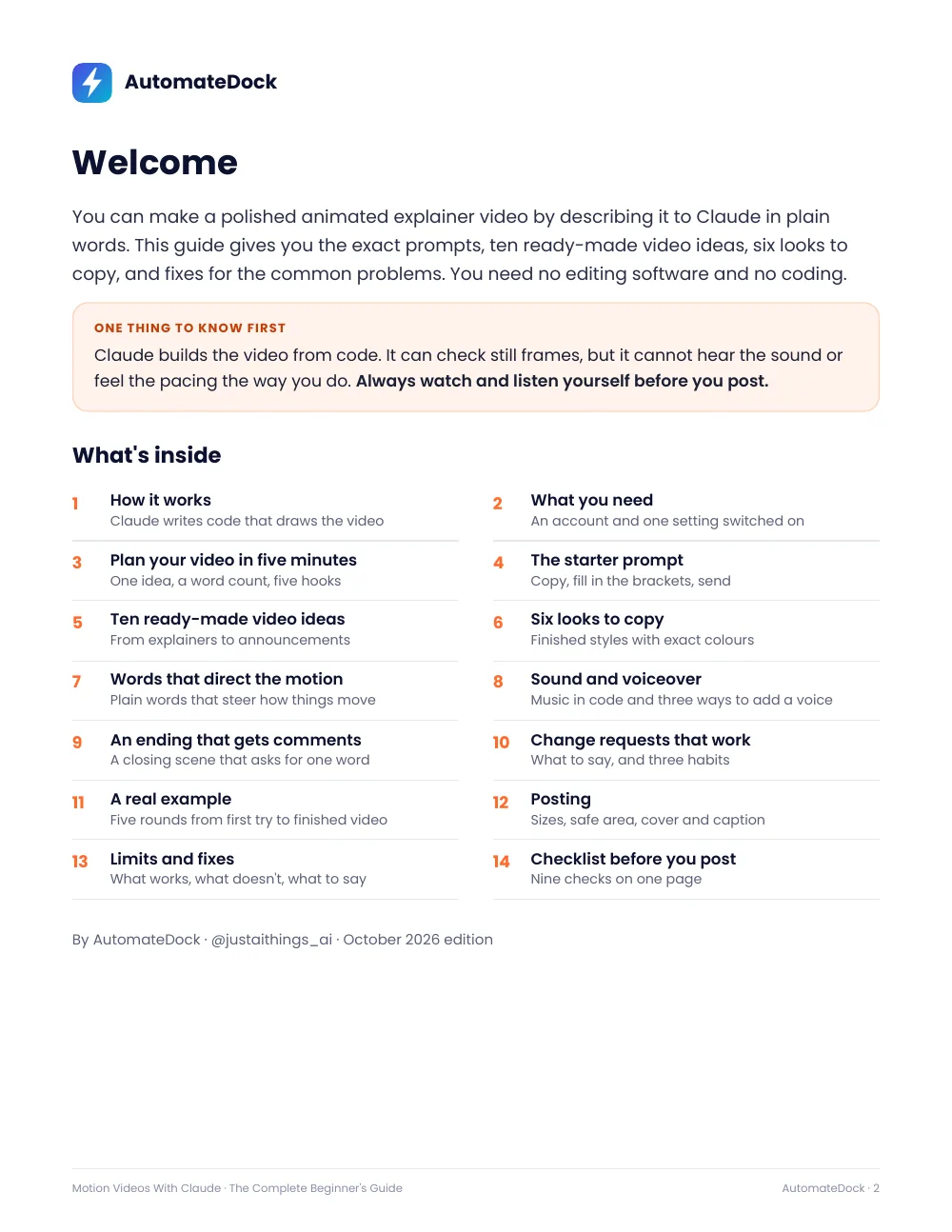
What's inside: 14 chapters
- 1How it works
Claude writes code that draws the video frame by frame - 2What you need
A Claude account and one setting switched on - 3Plan your video in five minutes
One idea, a word count and five hooks to borrow - 4The starter prompt
Copy, fill in the brackets and send - 5Ten ready-made video ideas
Explainer, list, steps, before and after, myth and fact, and more - 6Six looks to copy
Colour codes for six finished styles - 7Words that direct the motion
Plain words like “slides in”, “counts up” and “snappy” - 8Sound and voiceover
Music made in code and three ways to add a voice - 9An ending that gets comments
A closing scene that asks for one word - 10Change requests that work
What to say, and three habits that save time - 11A real example
Five rounds from first try to finished video - 12Posting
Sizes, safe areas, cover and caption - 13Limits and fixes
What works, what doesn't and what to tell Claude - 14Checklist before you post
Nine checks on one page
Questions
Do I need a paid Claude plan?
Claude's help centre says code execution and file creation is available on every plan, including Free, once it is switched on in Settings. Free plans have lower usage limits and longer videos use more of them, so the guide starts you with a 15-second video.
Do I need editing software or coding skills?
No. You describe the video and every change in plain words. Claude writes and runs the code and gives you the MP4.
What kind of videos can I make?
Animated text, shapes, icons, charts and simple screen mock-ups: explainers, lists, step-by-steps and announcements. It doesn't make real footage, real people or photo-realistic scenes.
Is this a physical book?
No. It's a PDF you can download right after checkout and read on any device.
What if I lose my download link?
Your download link works for 30 days, so bookmark the thank-you page. If you lose it, email support@automatedock.com with your receipt and we'll send it again.
Can I get a refund?
Yes. If a guide isn't what we described, email us within 7 days of purchase and we'll make it right. We look at every request individually and refund in full where it's warranted.
What currency are the prices in?
Prices on this site are in US dollars. At checkout, Stripe shows the price in your local currency in most countries, and you can choose which of the two to pay in.
Is payment secure?
Checkout is handled by Stripe. Your card details go straight to Stripe and never touch this website.