 AutomateDock
Stripe Setup for Digital Sellers
Create, test and activate Stripe to sell ebooks and digital downloads
A step-by-step guide built from a real setup, with 25+ screenshots. Go from no account to a verified live Stripe account: sandbox testing, turning off Link friction, activation, statement descriptor, fraud protection, receipts, branding and a secure restricted API key, plus fees, payouts and Canadian tax basics.
What you'll learn
- Managed Payments vs Pick what you need, and which to choose
- Run a full test purchase in the sandbox with test cards
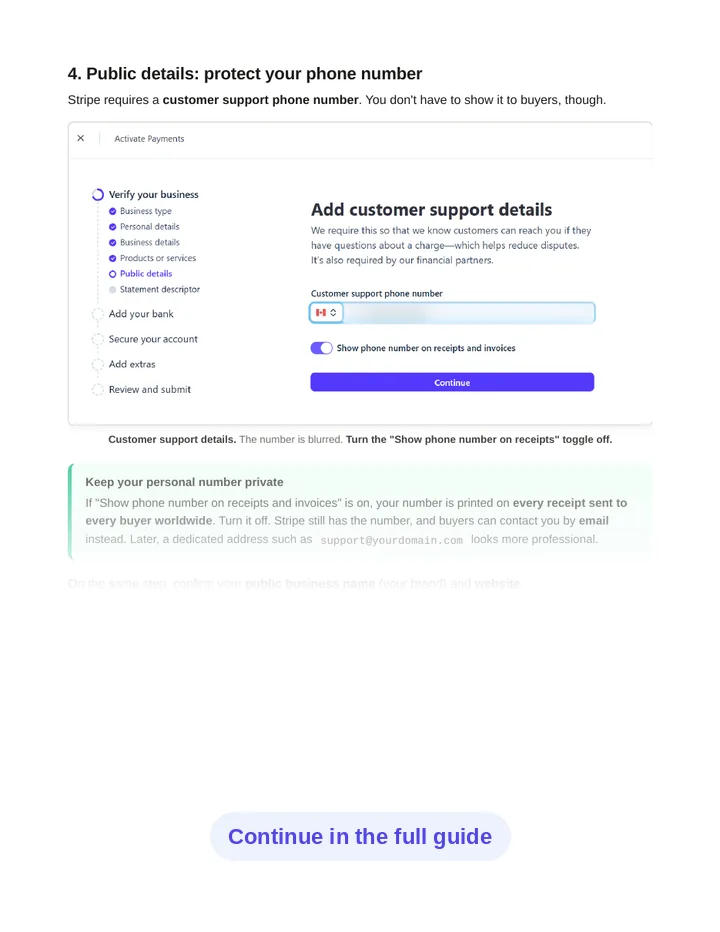
- Activate your live account without exposing personal info
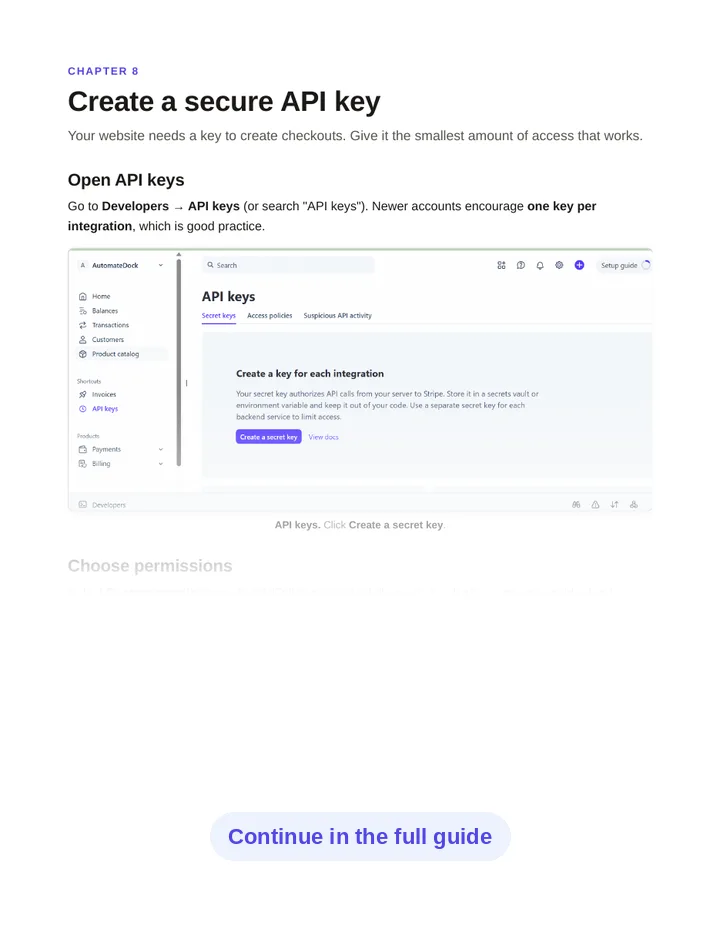
- Create a restricted API key and connect your website
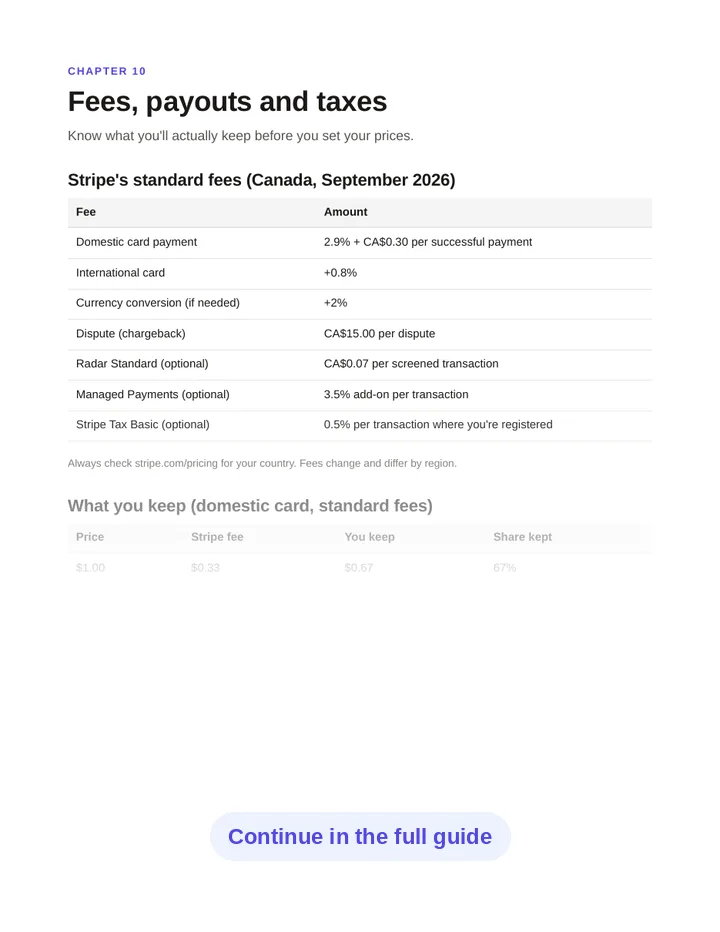
- What you actually keep after fees, and a go-live checklist
Look inside
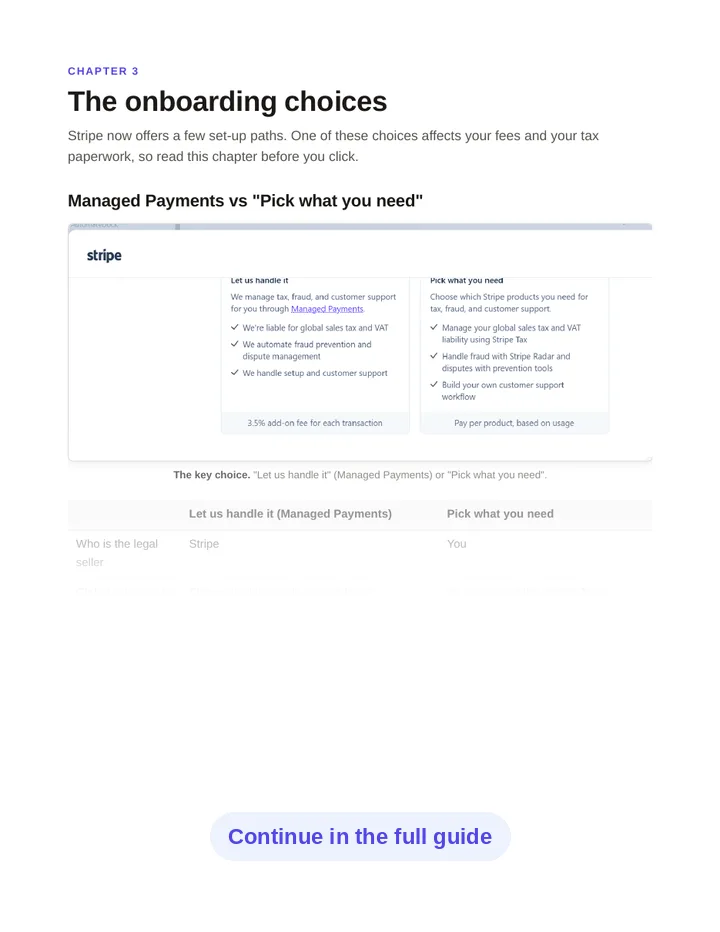
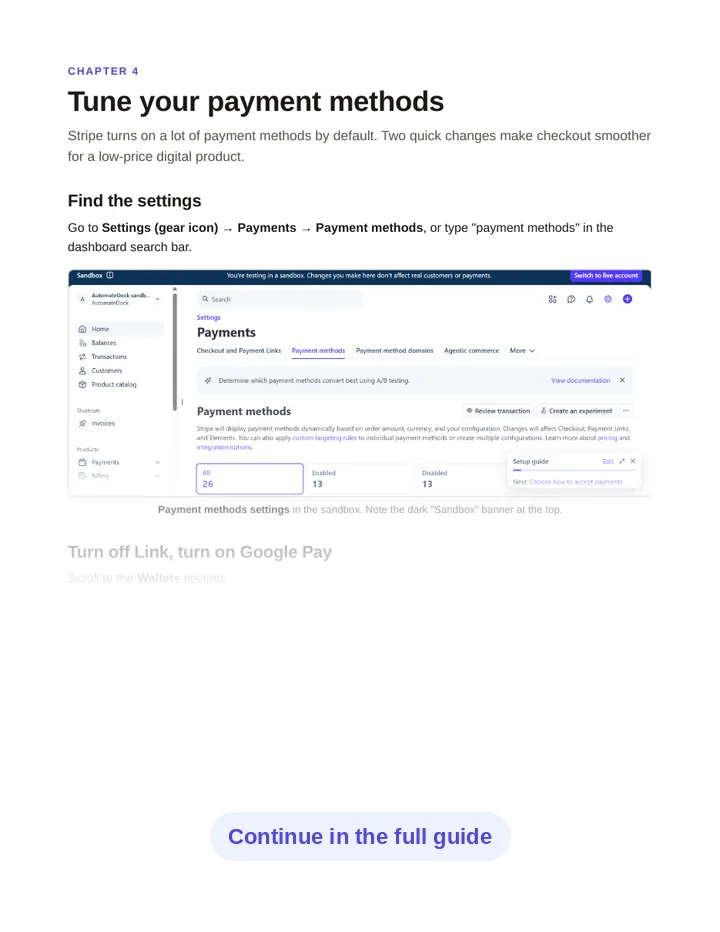
A preview of real pages from the guide. Click a page to enlarge it.
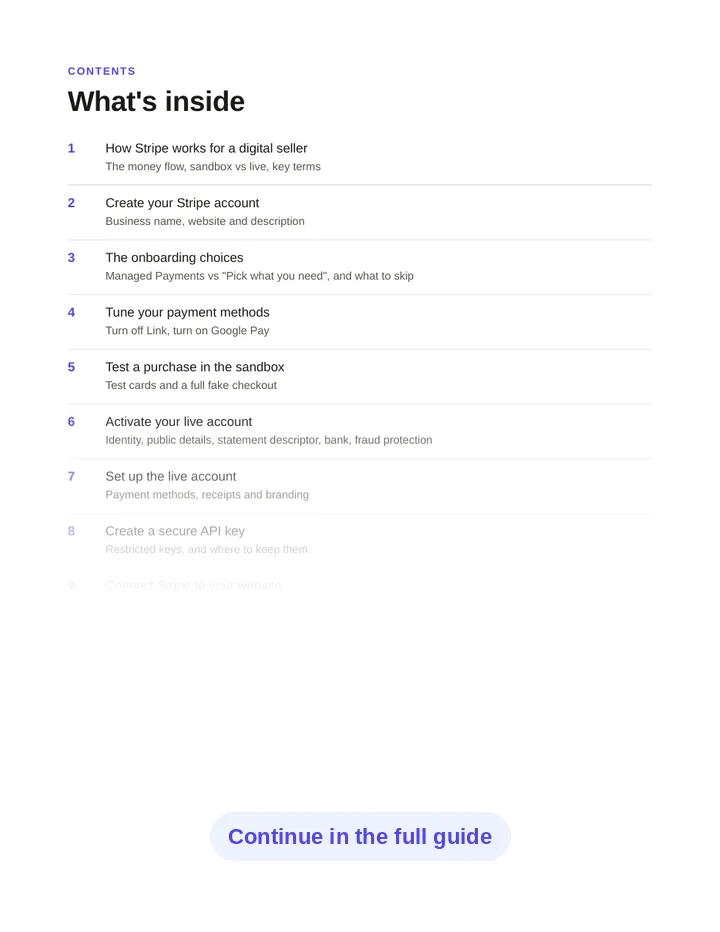
What's inside: 12 chapters
- 1How Stripe works for a digital seller
The money flow, sandbox vs live, key terms - 2Create your Stripe account
Business name, website and description - 3The onboarding choices
Managed Payments vs “Pick what you need” - 4Tune your payment methods
Turn off Link, turn on Google Pay - 5Test a purchase in the sandbox
Test cards and a full fake checkout - 6Activate your live account
Identity, statement descriptor, bank, fraud protection - 7Set up the live account
Payment methods, receipts and branding - 8Create a secure API key
Restricted keys and where to keep them - 9Connect Stripe to your website
What your site must do, with a code sketch - 10Fees, payouts and taxes
What you keep, with worked examples - 11Troubleshooting & common mistakes
The issues people hit most, and the fixes - 12Go-live checklist
One page to tick before your first real sale
Questions
Does it work outside Canada?
Yes. Stripe works the same way in most countries. The screenshots come from a Canadian account, so a few labels (like SIN or CA$) will differ, and the tax section focuses on Canada.
Do I need to know how to code?
No. Chapters 1–8 are all clicks in the Stripe dashboard. Chapter 9 explains what your website needs to do in plain language, with a short code example if you (or your developer) want it.
Is this a physical book?
No. It's a PDF you can download right after checkout and read on any device.
What if I lose my download link?
Your download link works for 30 days, so bookmark the thank-you page. If you lose it, email support@automatedock.com with your receipt and we'll send it again.
Can I get a refund?
Yes. If a guide isn't what we described, email us within 7 days of purchase and we'll make it right. We look at every request individually and refund in full where it's warranted.
What currency are the prices in?
Prices on this site are in US dollars. At checkout, Stripe shows the price in your local currency in most countries, and you can choose which of the two to pay in.
Is payment secure?
Checkout is handled by Stripe. Your card details go straight to Stripe and never touch this website.